
 Marketing automation for publishers
 Automate recruitment communication
 Marketing automation for e-commerce
 Marketing automation for travel & leisure
 Keep customers informed automatically through transactional email
 Deliver more relevant communication with personalized emails
 Create engaging emails with ease
 Make sure your emails reach the inbox with reliable deliverability
 Send at scale without limits
 Keep your customer data secure in Europe
 Reach customers at the right moment with automated communication
 Create seamless customer journeys that convert
 Turn customer data into actionable campaigns
 Combine SMS and email for greater impact
 Turn website visitors into customers
 Make every customer interaction more relevant with personalization
 Email editor
 Push notifications
 Layered database
 Testing mailings
 REST API/Webhooks
 Website crawler
 Coupons

 GDPR compliancy
 Web based dashboard

 Advanced queuing
 Large volumes of email
 Full control and logging
 White papers
 Documentation
 Trainings
 Need more help?
 Our team
Automatically calculate engagement with score fields
by Chloë van der Woude
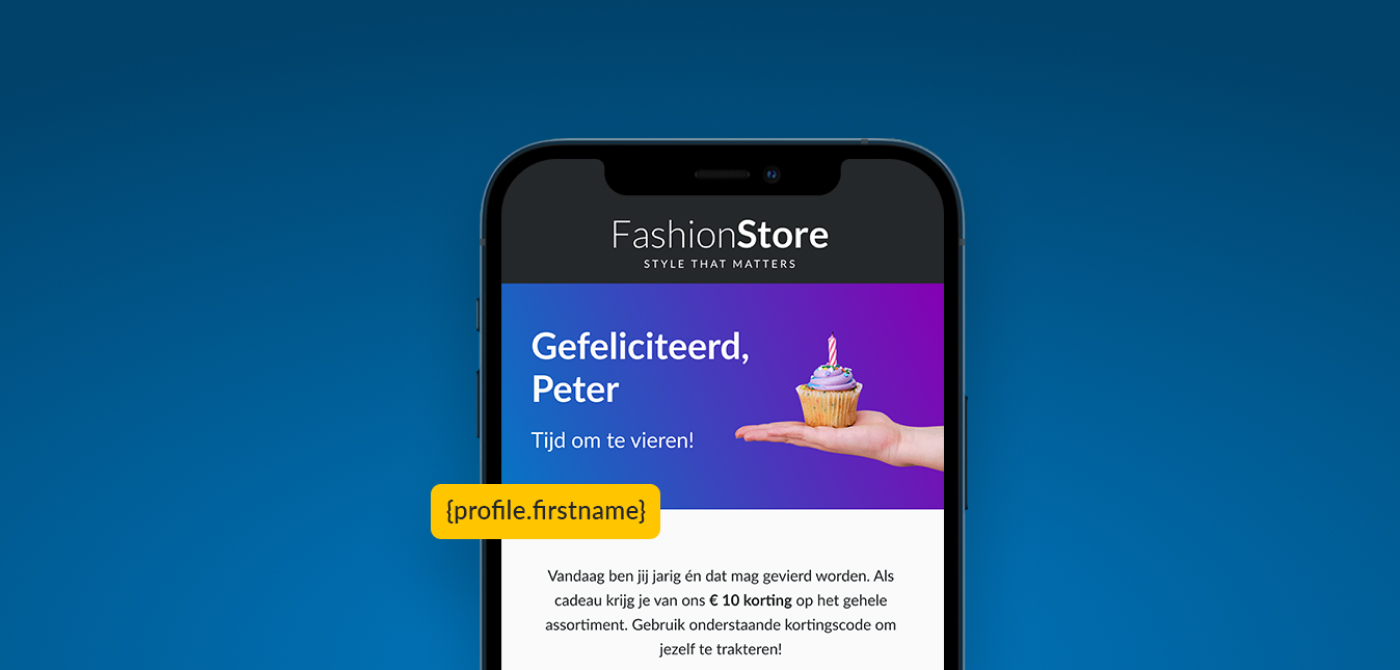
The new score fields in Marketing Suite make it possible to automatically calculate a score based on the behaviour of a profile or subprofile. This allows you to express metrics such as engagement or activity as a single numerical value.
A score field can be built using various events, such as opening emails, clicking links or visiting web pages. For each event, you can specify how many points it earns and the period over which the events are taken into account. This means a score can automatically increase or decrease based on a profile's behaviour.
Using score fields
The calculated score can be used in selections, for example, to identify profiles with a high level of engagement. Score fields are also available as Smarty variables, allowing you to use the score when personalising emails.
Score fields can be found under Fields and Interests within a database or collection, alongside the standard and virtual fields.
We're here to help
Do you have any questions or suggestions about the latest updates, or are there any recurring issues you'd like to discuss?
Please don't hesitate to contact our support team.