
 Marketing automation for publishers
  Automate recruitment communication
  Marketing automation voor e-commerce
  Keep customers informed automatically through transactional email
  Deliver more relevant communication with personalized emails
  Create engaging emails with ease
  Make sure your emails reach the inbox with reliable deliverability
  Send at scale without limits
  Keep your customer data secure in Europe
  Reach customers at the right moment with automated communication
  Turn customer data into actionable campaigns
  Combine SMS and email for greater impact
  Turn website visitors into customers
  Make every customer interaction more relevant with personalization
  Email editor
 Push notifications
 Layered database
 Testing mailings
 REST API/Webhooks
 Website crawler
 Coupons
 GDPR compliancy
 Web based dashboard
 Advanced queuing
 Large volumes of email
 Full control and logging
 White papers
 Documentation
 Trainings
 Need more help?
 Our team
New email editor in Marketing Suite
by Chloë van der Woude
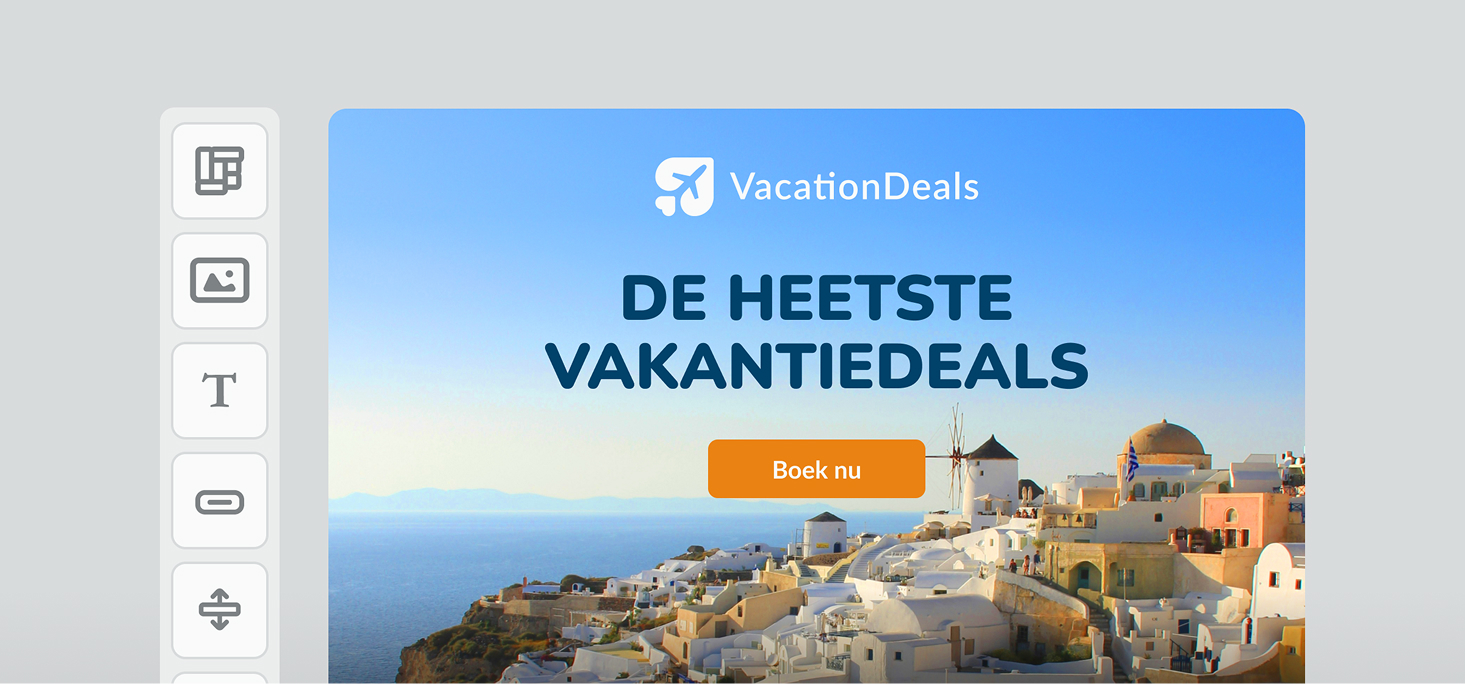
The new email editor offers a more modern way to design email templates. Alongside a redesigned interface, it introduces a range of new features and improvements over the current editor.
The new editor includes:
- A modern, intuitive interface
- AI capabilities integrated throughout the editor, including text blocks, subject lines, preheaders, and smart elements
- Improved support for designing mobile versions of your emails
- Real-time collaboration, allowing multiple users to work on the same template simultaneously
- Comprehensive version history, making it easy to review changes and restore previous versions
- Better performance for a faster, smoother editing experience
All future enhancements, new AI features, and other improvements will be added exclusively to the new editor. The current editor will remain available for the time being but will only receive essential bug fixes.
Upgrading to the new editor
If your account is still using the current editor, you'll find an Upgrade to the New Editor button at the bottom of the email editor toolbar.
What happens when you upgrade?
The upgrade applies to your entire account. Existing templates will be automatically migrated to the new editor, ensuring that all users within your account work with the same editing experience.
In most cases, the upgrade cannot be reversed. New and updated templates use functionality that is not compatible with the current editor.
We're here to help
Do you have questions or suggestions about the new editor? Or are there features or workflows you'd like to see improved? Feel free to reach out to our support team.